 Mod
ModRequirements
- The Steam copy of Cities: Skylines II, launched through Steam, with Steam online.
- Both players choose Steam Relay. The mode has to match.
Xbox App, Microsoft Store and Game Pass copies cannot use the relay. Those players use a direct connection instead.
Hosting with a relay
- Open Multiplayer and click Host Game.
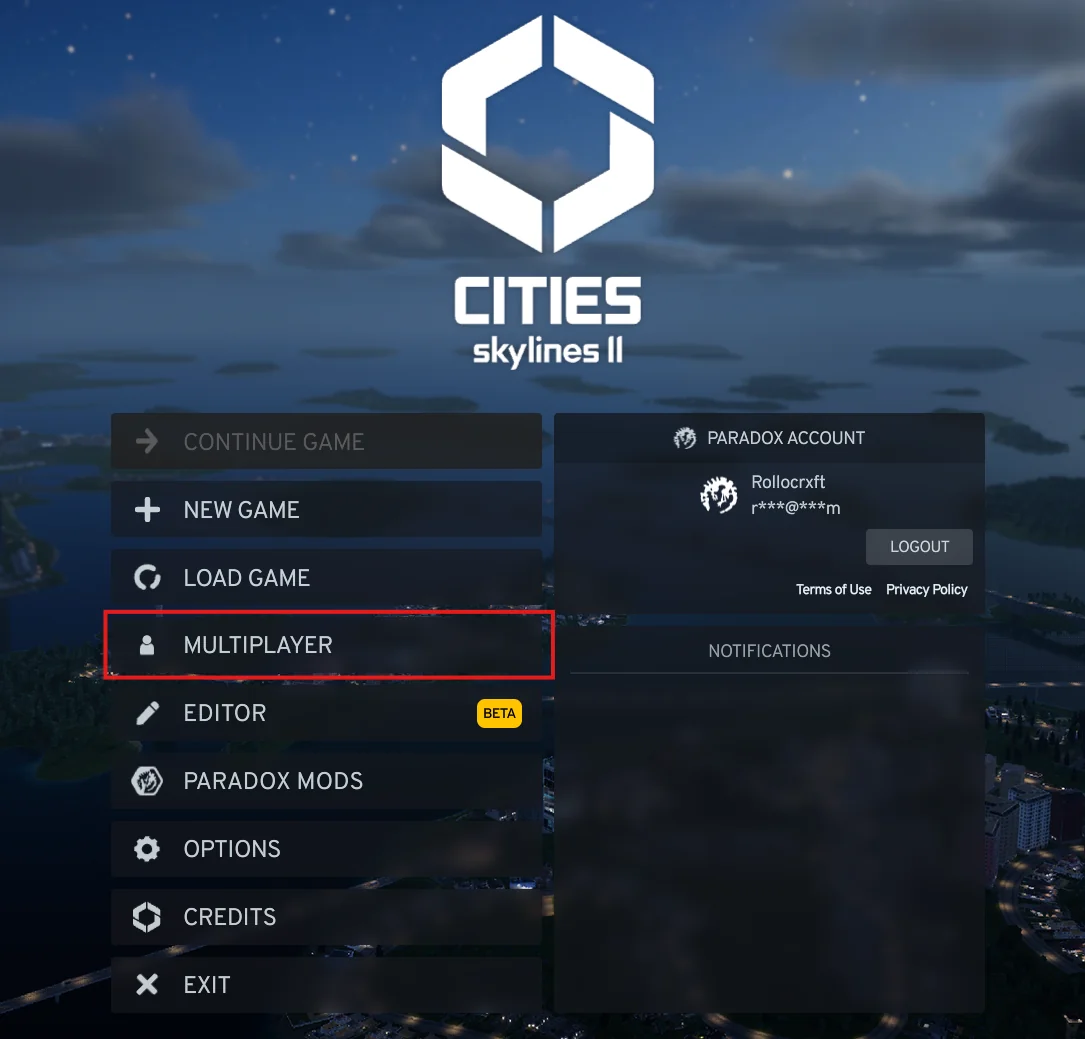
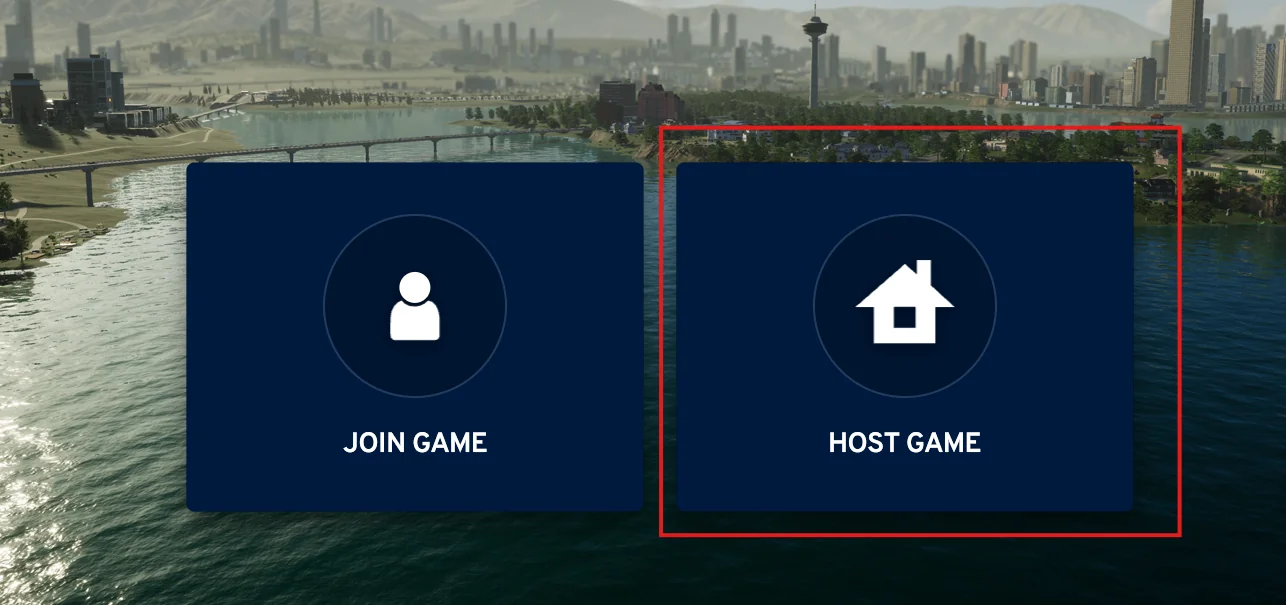
- Set the connection type to Steam Relay.
- Your join code appears there. Click it to select it, then press Ctrl+C.
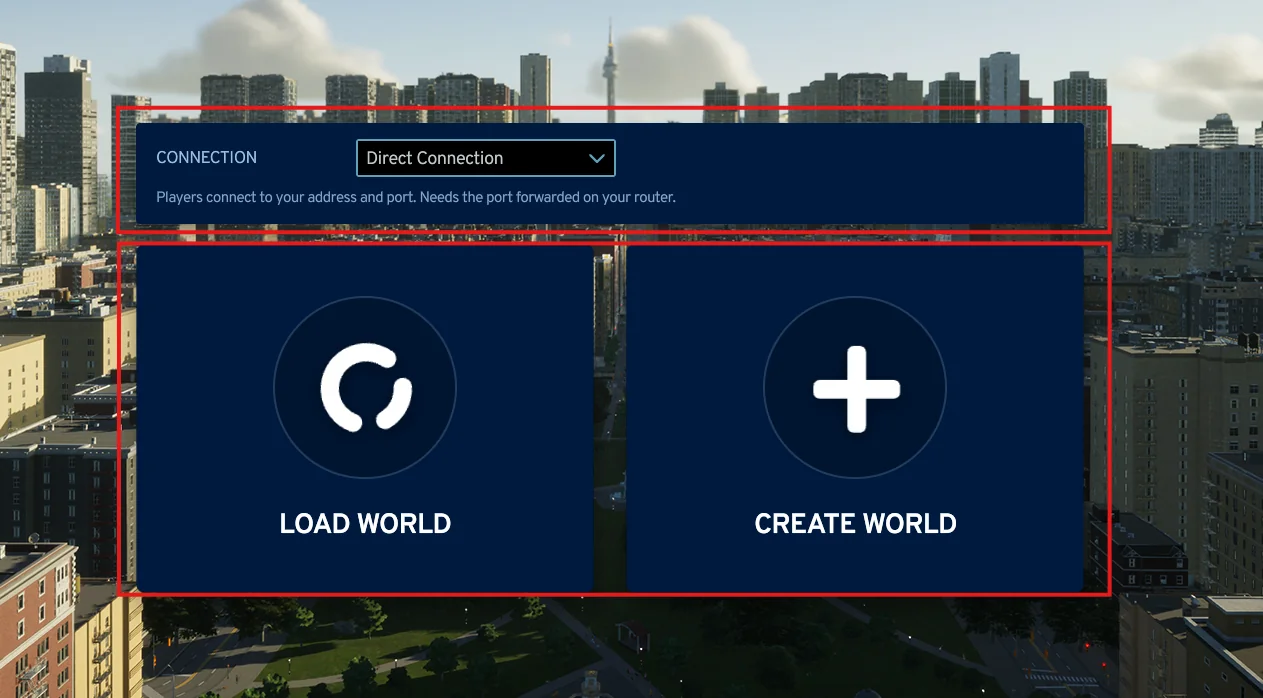
- Load or create your world as usual. The session starts once the city has loaded.
- Send the code to your friends.
Joining with a code
- Open Multiplayer and click Join Game.
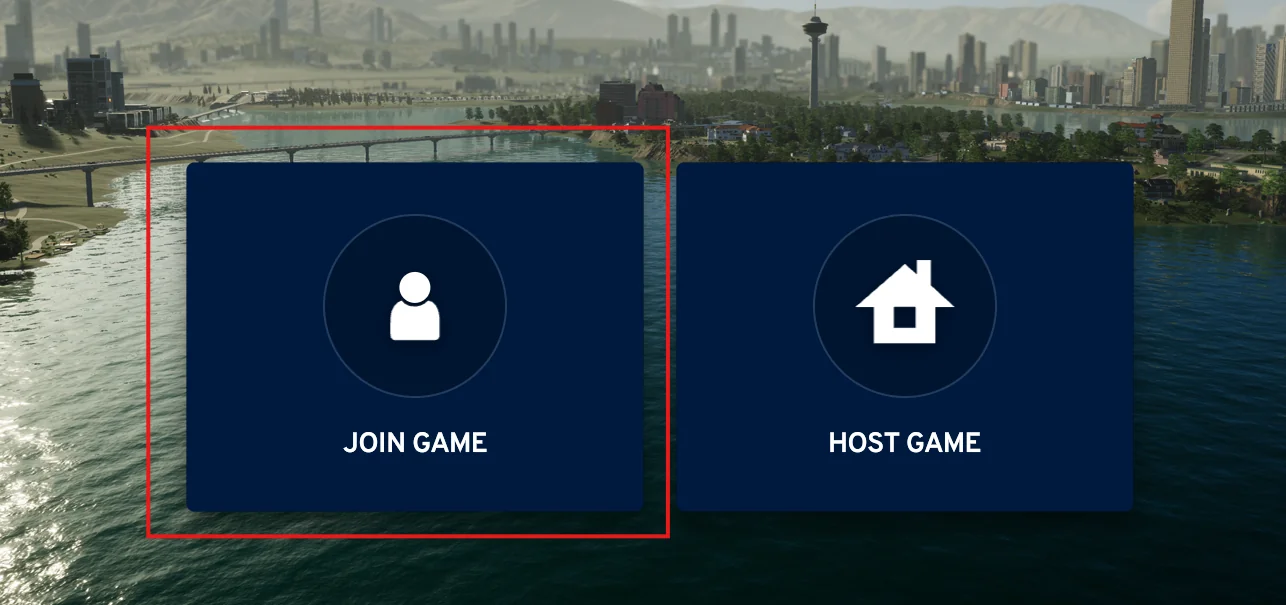
- Set the connection type to Steam Relay.
- Paste the code into the join code field, enter your player name and the password if the
host set one.
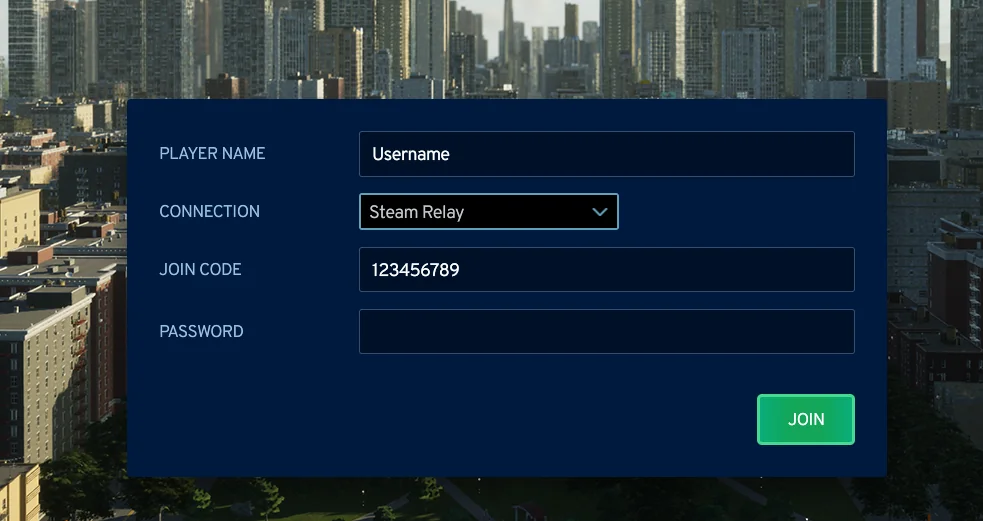
- Click Join and wait while the host's city downloads.
When the code is unavailable
If the host screen shows "Unavailable - start the game through Steam", one of these is true:
- The game was not launched through Steam, or Steam is offline. Close the game, start Steam, and launch the game from there.
- The installation is not the Steam version. Use a direct connection.
If the relay refuses to start or drops repeatedly, restart Steam and the game. If it keeps failing, both players can switch to a direct connection.
More relay messages are listed under Steam Relay is unavailable or the join code is invalid.